Start with the menu you already have.
Most restaurants already have a polished printed menu. Flippin' Book uses that design instead of forcing you into a generic ordering app layout.

Flippin' Book takes your existing menu spreads and turns them into a polished digital flipbook with one permanent QR code per table. Update specials, prices, seasonal cocktails, and brunch items without reprinting everything.
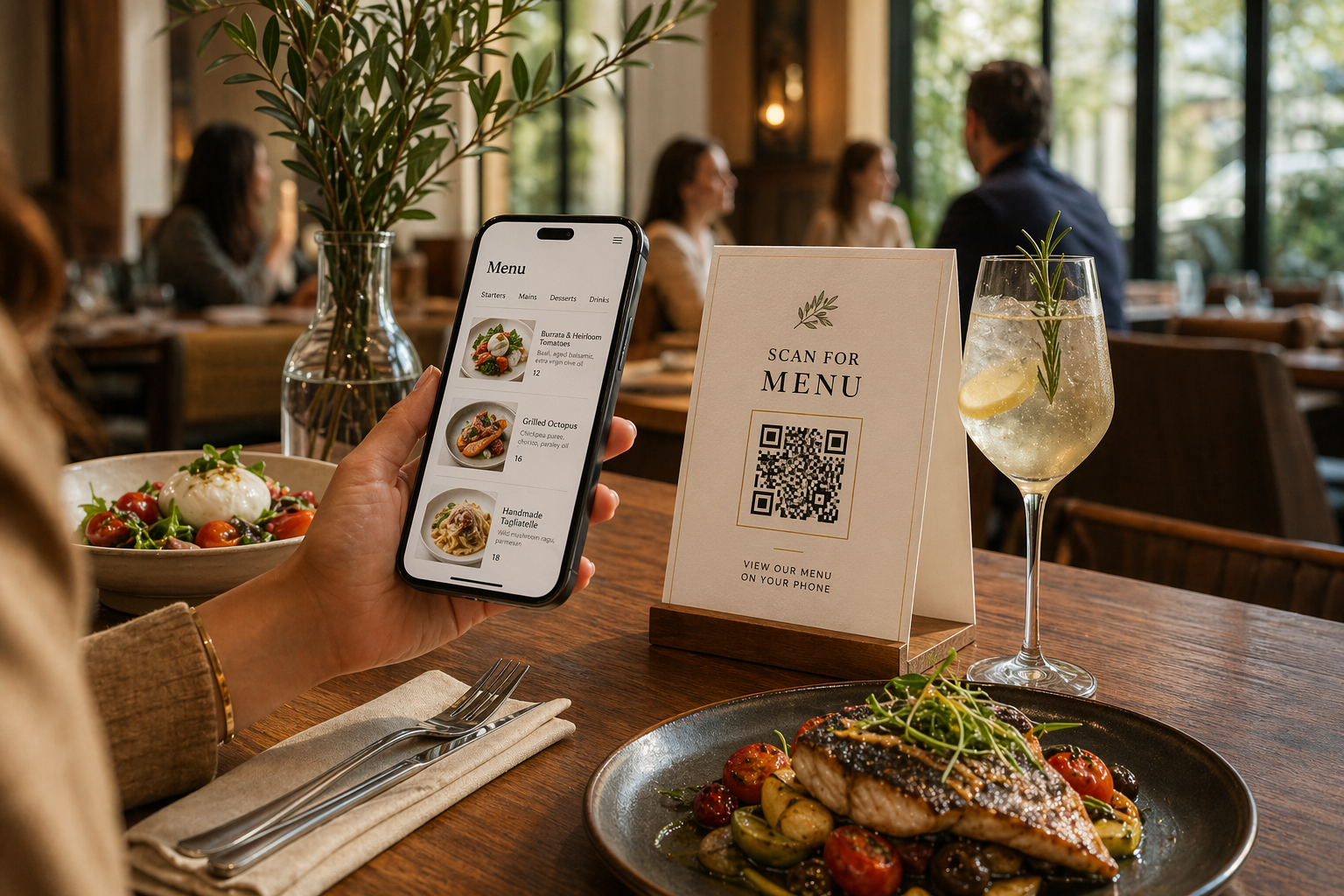
Send the PDF or spreads you already print.
Your menu keeps its design and reads naturally on phones.
The QR stays live even when you replace the menu.
No app. No awkward PDF pinch-zooming. Just the menu.
Most restaurants already have a polished printed menu. Flippin' Book uses that design instead of forcing you into a generic ordering app layout.
We preserve your spreads, typography, dish photography, and layout so the online version still looks like the menu your guests recognize in-house.
Change cocktails, pricing, brunch hours, desserts, or sold-out items without swapping the printed table card every time your menu changes.
Guests land on a polished flipbook they can swipe through immediately, and the same hosted menu can also live on your website before they ever walk in.
Keep the guest experience clean while giving your team more control over seasonal changes, sold-out dishes, wine rotations, and limited-time promos.
Built for restaurant operators who already have a designer, a PDF, or exported spreads and just need the guest-facing digital version done right.
Export from InDesign as JPG spreads, or upload your PDF. We take the exact menu layout you already use and prep it for digital viewing.
Your printer spreads get automatically reorganized into a clean flipbook flow so guests see the menu in natural reading order on phone or desktop.
Put the QR code on table tents, host stands, takeout inserts, or window signage. The same menu also works as a website embed and direct link.
Flippin' Book is strongest when your printed menu already looks good and you want the digital version to feel just as intentional.
Guests scan and browse the current menu without handling worn paper menus.
Change dishes, prices, and specials while the printed QR stays the same.
Show the exact menu design online instead of flattening everything into a plain PDF link.
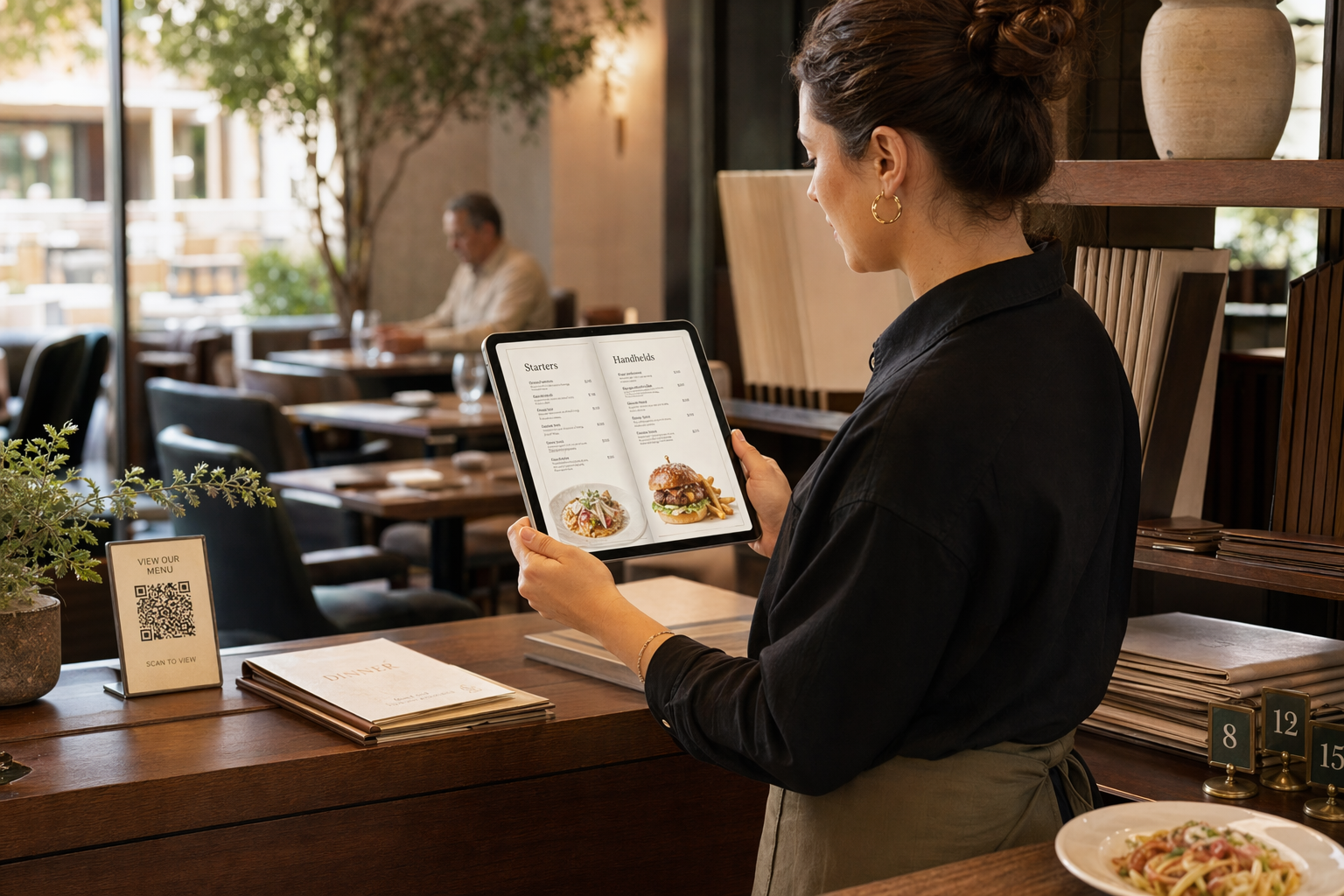
These examples show the kind of hosted layouts Flippin' Book can support, from quick four-page menus to larger multi-spread books.

A fast-loading format for dinner service, bar snacks, and concise menu programs.
Open example
A better fit when you need room for cocktails, mains, desserts, and seasonal inserts.
Open example
Useful for tasting menus, wine lists, catering packets, or rotating chef features.
Open example
Ideal for weekend brunch, lunch service, prix-fixe promos, or limited seasonal offerings.
Open examplePreview free. Host each live menu for $5/month. No contracts. No setup fee.
$5/month per menu. Add more as needed.
If your designer exported spreads for print, the page order is built for folding, not for phone reading. We correct that automatically.
When you export from InDesign as spreads for saddle-stitch printing, pages are arranged for folding, not reading order.
We automatically reorganize pages into natural reading order so the menu feels clear and familiar on a phone.
Upload your spreads, preview the flipbook for free, and only pay when you want the hosted QR-ready version live.